
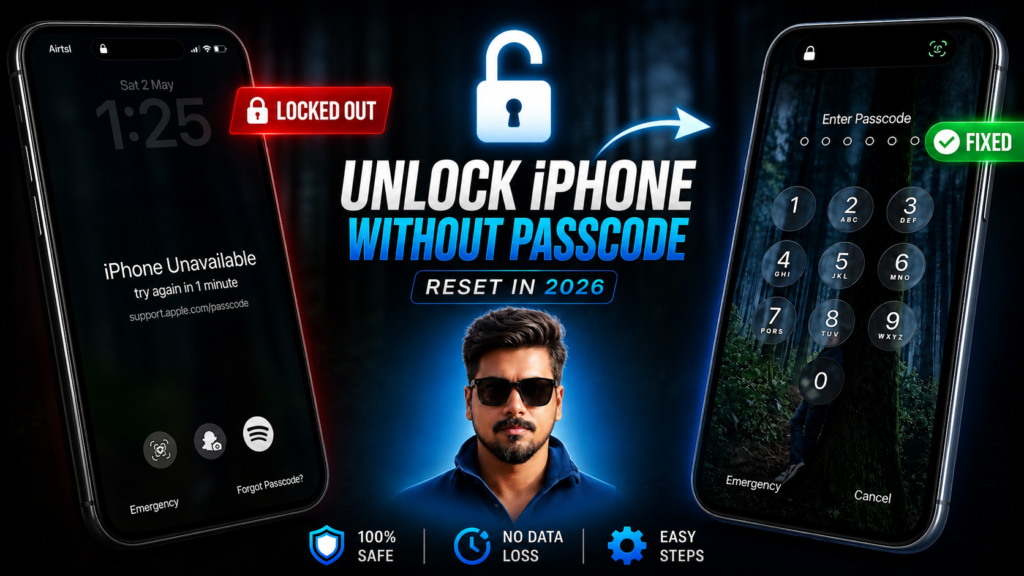

Locked out of your own iPhone and seeing the “iPhone Unavailable” or “Security Lockout” message?
Don’t panic — your iPhone is not dead, and you can still get access back using official and safe methods.
In this guide, you’ll learn 3 proven ways to unlock your iPhone without a passcode in 2026.
Why Does “iPhone Unavailable” Appear?
This message shows up when you enter the wrong passcode multiple times. It’s a security feature designed by Apple Inc. to protect your data.
Depending on how many attempts were made, your iPhone may:
- Temporarily lock you out
- Show a timer
- Or completely disable access
Method 1: Reset iPhone Directly from Lock Screen (Fastest Way)
If your iPhone is running iOS 15.2 or later, this is the easiest method.
Steps:
- Enter the wrong passcode multiple times
- Wait until you see “iPhone Unavailable”
- Tap “Forgot Passcode?”
- Select “Start iPhone Reset”
- Enter your Apple ID password
- Your iPhone will reset and restart
After that, you can set it up again and restore your data from backup.
⚠️ Important:
This method will erase your data, but if you had iCloud backup enabled, you can recover everything easily.
Method 2: Use a Computer (Recovery Mode Method)
If the reset option is not visible, you can use recovery mode. This works on almost all iPhones.
Steps (for Face ID iPhones):
- Turn off your iPhone
- Connect it to a computer (Mac or Windows PC)
- Press and hold the Side Button
- Keep holding until you see the Recovery Mode screen
- On your computer, select Restore
Wait for the process to complete. Your iPhone will be reset and ready to set up again.
Method 3: Visit an Apple Authorized Service Center
If you’re unable to reset your device yourself, you can visit an authorized service center by Apple Inc..
Carry the following:
- Original bill or invoice
- Government ID proof
- Your Apple ID (if you remember it)
They will verify ownership and help you unlock or reset your iPhone.
In some cases, they may assist further depending on verification.
🚫 Avoid Fake iPhone Unlock Tools
There is no legitimate software that can magically unlock an iPhone without proper authorization.
Most tools you see online:
- Are scams
- Can steal your data
- Or install malware
Always stick to official methods only.
Final Tips to Avoid Getting Locked Out Again
To prevent this situation in the future:
- Enable iCloud Backup
- Keep your Apple ID recovery details updated
- Store your passcode securely
Because getting locked out of your iPhone can be frustrating and time-consuming.
Conclusion
If you forgot your iPhone passcode, don’t worry — there are safe and effective ways to regain access.
Whether you reset directly from the lock screen, use recovery mode, or visit a service center, these methods will help you unlock your device in 2026.

